 COME
COMECOME Tabs and Account Tools: Find the Right Area
The main category tabs organise content, while the account menu groups personal settings and help. Start with the area that matches your task.
Recognise the content tabs

The pictured interface lists Explore, Casino, Fantasy, Rummy and Sports across the top. These are category labels. A category name is a starting point for navigation; read the current rules and conditions of anything you choose to open.
Keep account tasks separate
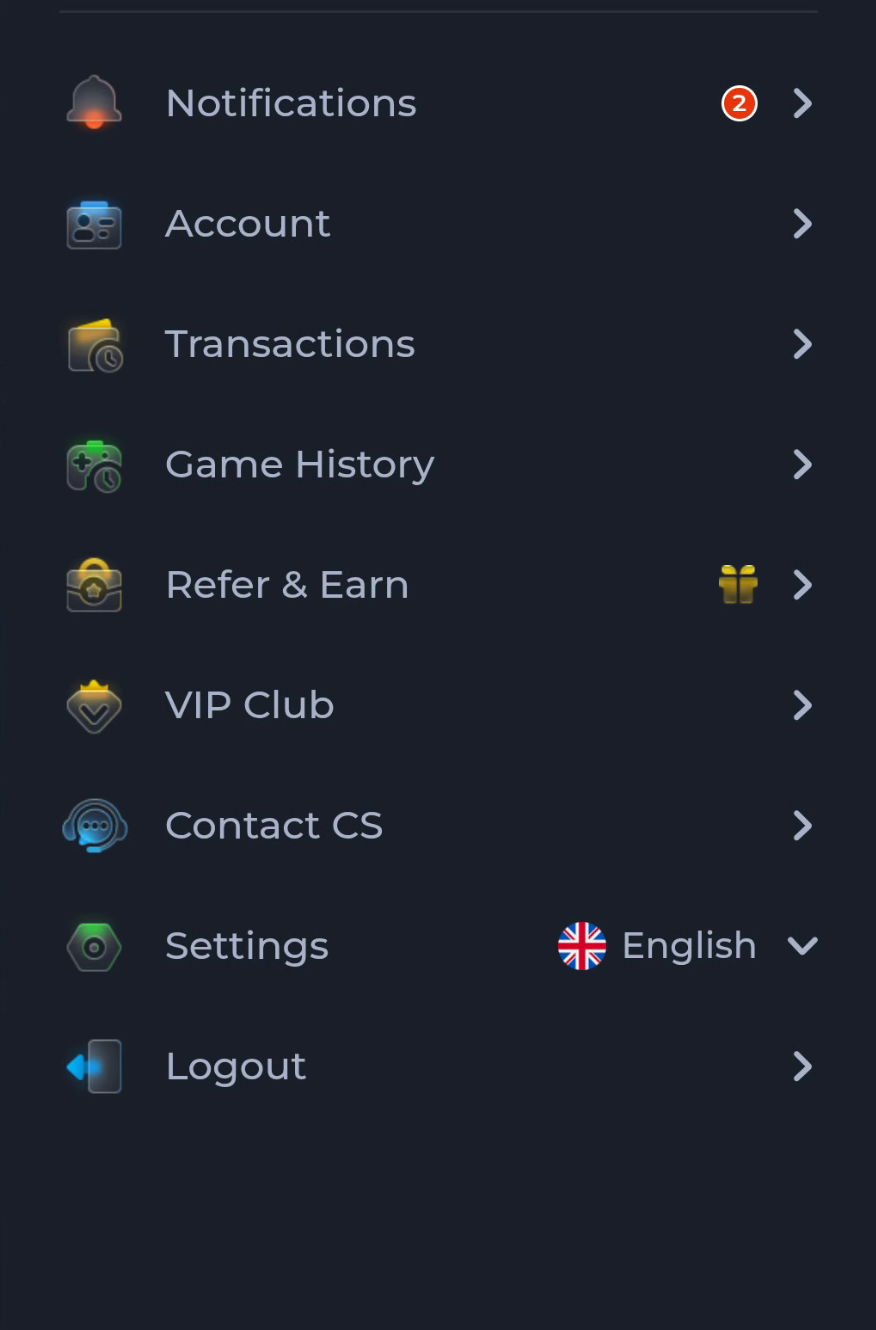
Account, Transactions, Game History, Contact CS, Settings and Logout appear in the account menu shown here. Use Settings for interface preferences and the update control. Use the appropriate help area for an access problem rather than searching among game tiles.
Three common situations
- Looking for a category: begin with the main tabs and inspect the page heading.
- Looking for an update: check Settings and the offered release details.
- Unable to sign in: identify the account-access symptom before changing the installation.
Read changing elements carefully
Promotional banners, balances and counters in a screen image describe that pictured interface. Read current terms and current account information in the destination service. Do not use an image as a promise about availability or a result.
Continue with the right guide
Choose another topic in Guides, or return to the main steps when you are ready.